
Smart-Home Controls for Someone with Limited Mobility
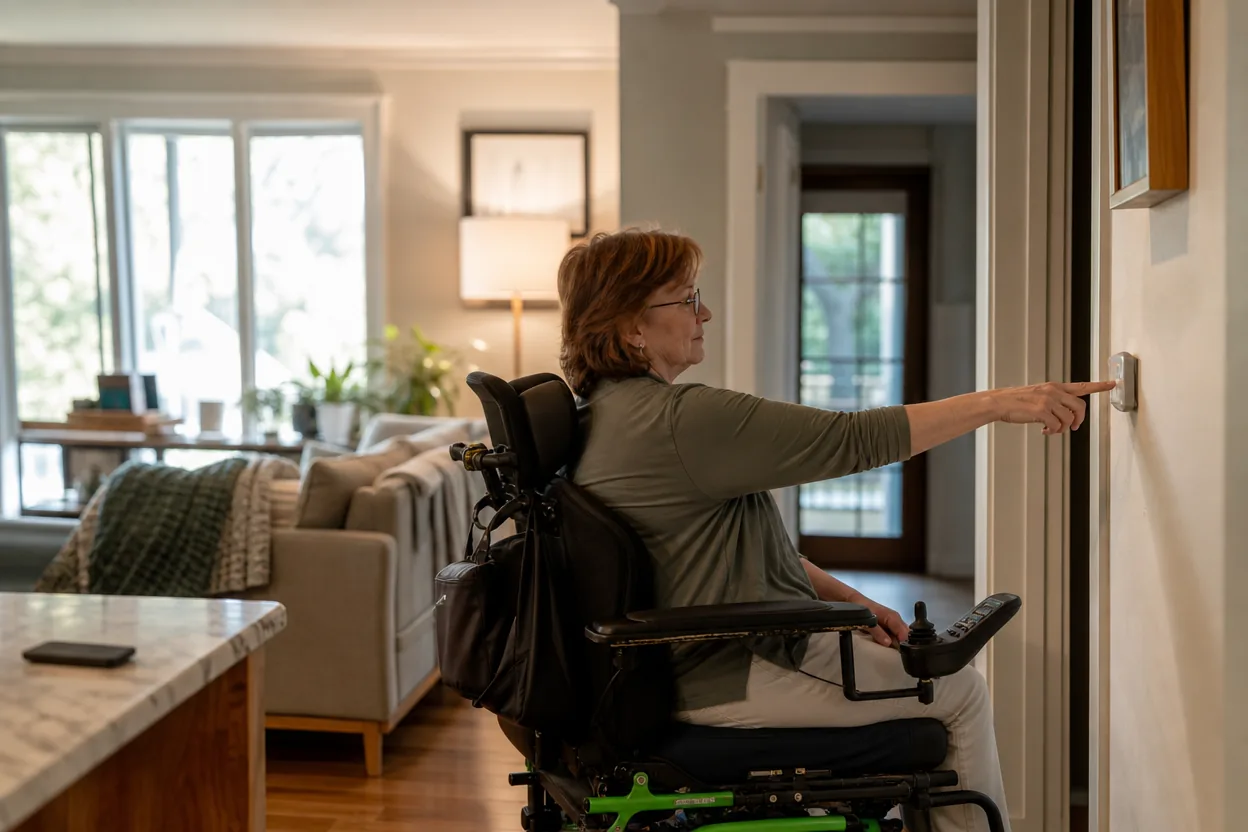
Start with the way your home works
This guide looks at a home where one resident has difficulty reaching switches and handles. The goal is straightforward: The resident wants lights and a few common devices accessible from a seated position or voice control.
That routine gives the buying decision a useful test: write down when the device should help, who will use it, and what the household should do if the app, internet, or automation is unavailable. If a proposed setup cannot handle those ordinary moments, extra features are unlikely to fix the mismatch.
What to compare before choosing
For this setup, compare physical button placement, voice accessibility, fall-safe power behavior, household permissions, and offline controls. Check the manufacturer’s current compatibility information and installation requirements before ordering; specifications and supported integrations can change.
Make the comparison concrete: write down the exact room, the people who need access, any existing wiring or hub, and the ongoing costs. Then check each candidate against the same list. A control that household members can use without coaching is often more valuable than a longer feature list.
The main trade-off
Automation can reduce repeated movement, but controls should reflect the user's preference and preserve independence rather than force a single interface.
A before-you-buy checklist
- Ask the resident which actions they want to simplify.
- Place controls within comfortable reach.
- Offer more than one control method.
- Test routines with caregivers and the resident together.
A practical next step
For this household, start by checking whether a device can support this routine: The resident wants lights and a few common devices accessible from a seated position or voice control. Verify fit, privacy settings, return terms, ongoing fees, and fallback controls on the maker’s product page. If the first option adds more setup than the routine is worth, compare a simpler control before buying.